- Download the latest download utility ( ProdigiStore V1.9) . Install This utility in your system by simply clicking next -next- install without changing any default option.

- Install Java. and wait till gets properly installed in your system.
- Install Latest mTokens drivers from this link (FIPS 140-3 certified mTokens).
- Change Token password from 12345678 to 123456789.
- Now enter PID and download key in Prodigistore installed in your system from step 1. Enter token password : 123456789 that you have set in step 4.If you need any help to download and purchase DSC + Tokens : Reach out anytime at +919876787172
New FIPS 140-3 certified Tokens after 21 Sep 2026
New Digital Signature mTokens which are FIPS 140-3 Certified will now onwards download the DSC. (22nd September 2026 Onwards)
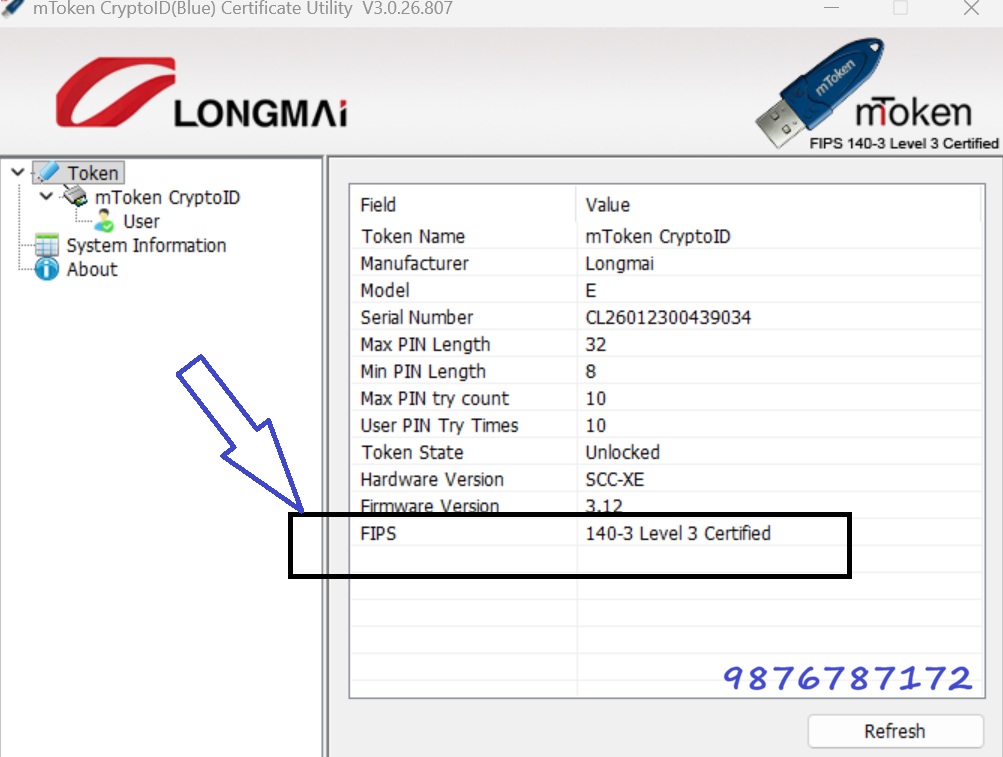
All the old tokens were FIPS 140-2 certified. According to the guideline by Controller of Certifying authority of India they were downloading the digital signatures till 21st of September 2026. But Now New Blue color FIPS 140-3 certified mtoken will work. This has happened with all the tokens in entire INDIA.
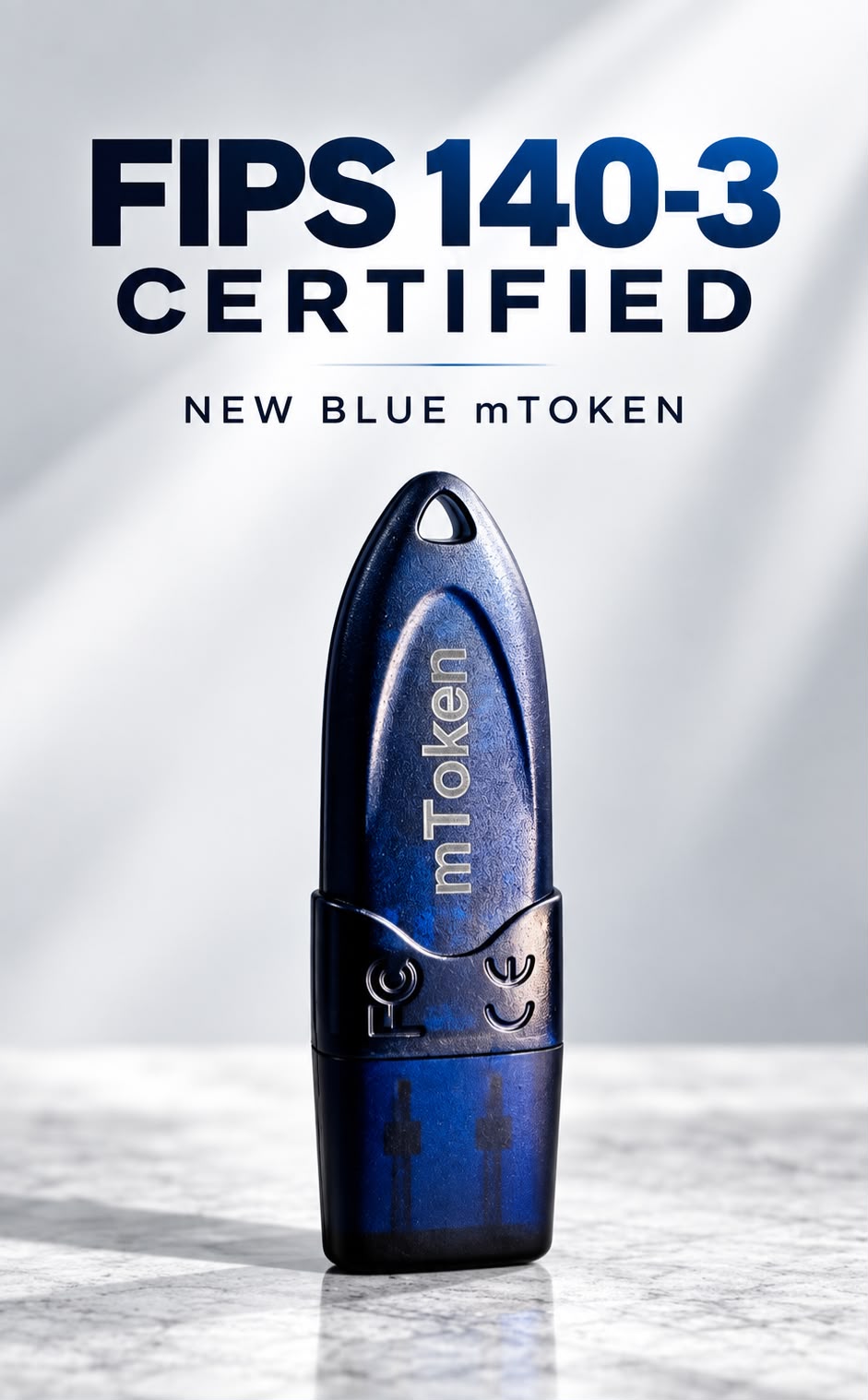
Please keep stock of blue color mTokens to avoid the last date issues.
For ordering Please connect at +919876787172